
A budget app that never asks for your bank password
Updated
Fullgrove fills your ledger from records you already get: card statement PDFs, receipts, e-invoices, bank files and Apple Pay taps recorded through a Shortcut. It never asks for online banking credentials, and it reads everything on your iPhone.
A private budget app by design
- No bank password, token or account: there is nothing to sign in to.
- Parsing, text recognition, categories and matching run on your iPhone.
- Statement passwords stay in the Keychain behind Face ID.
- Settings › Network log lists every connection the app makes, so you can check.
Why skip bank linking
- No bank password or token held by a third party.
- Nothing to re-link when a connection breaks.
- Works for banks and countries that aggregators don't cover.
What you give up, and how Fullgrove covers it
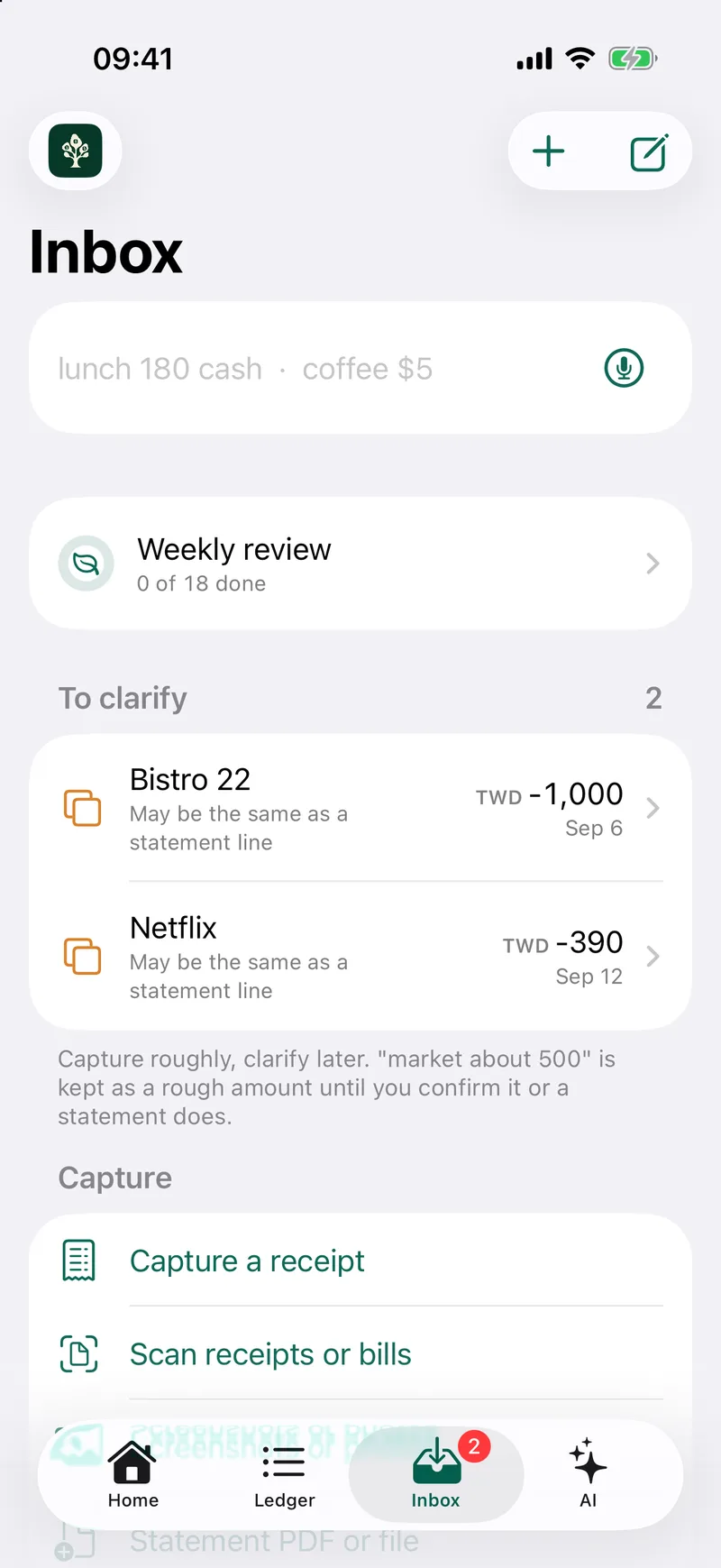
Without a live bank feed, new spending arrives when you record it. Fullgrove closes the gap three ways: a Shortcut logs each Apple Pay tap as it happens, a typed line like “lunch 180 cash” is filed as you type, and the monthly card statement confirms everything at once. When an alert and a statement line describe the same purchase, they merge into one row.
How a statement is read
For a statement layout it has not seen, the model on your iPhone picks which lines are transactions. Code reads every date and amount from those lines, and the reading is kept only when it matches the statement's printed totals.
What comes in
- Card statement PDFs, locked ones too. The password stays in your Keychain.
- Receipts from the camera, Photos or Files.
- Bank files: CSV, Excel, QIF, OFX, QFX, CAMT.053 and MT940.
- Exports from 11 other money apps, including Mint and YNAB.
Log Apple Pay taps automatically
- Open Shortcuts, tap Automation, then New Automation.
- Choose Wallet, pick your cards, and choose Run Immediately.
- Add the action Log Apple Pay Tap from Fullgrove.
- Pass Amount, Merchant and Card from the Shortcut Input. Each tap becomes a row, and the statement confirms it later.