
Moving from Monarch Money to Fullgrove
Updated
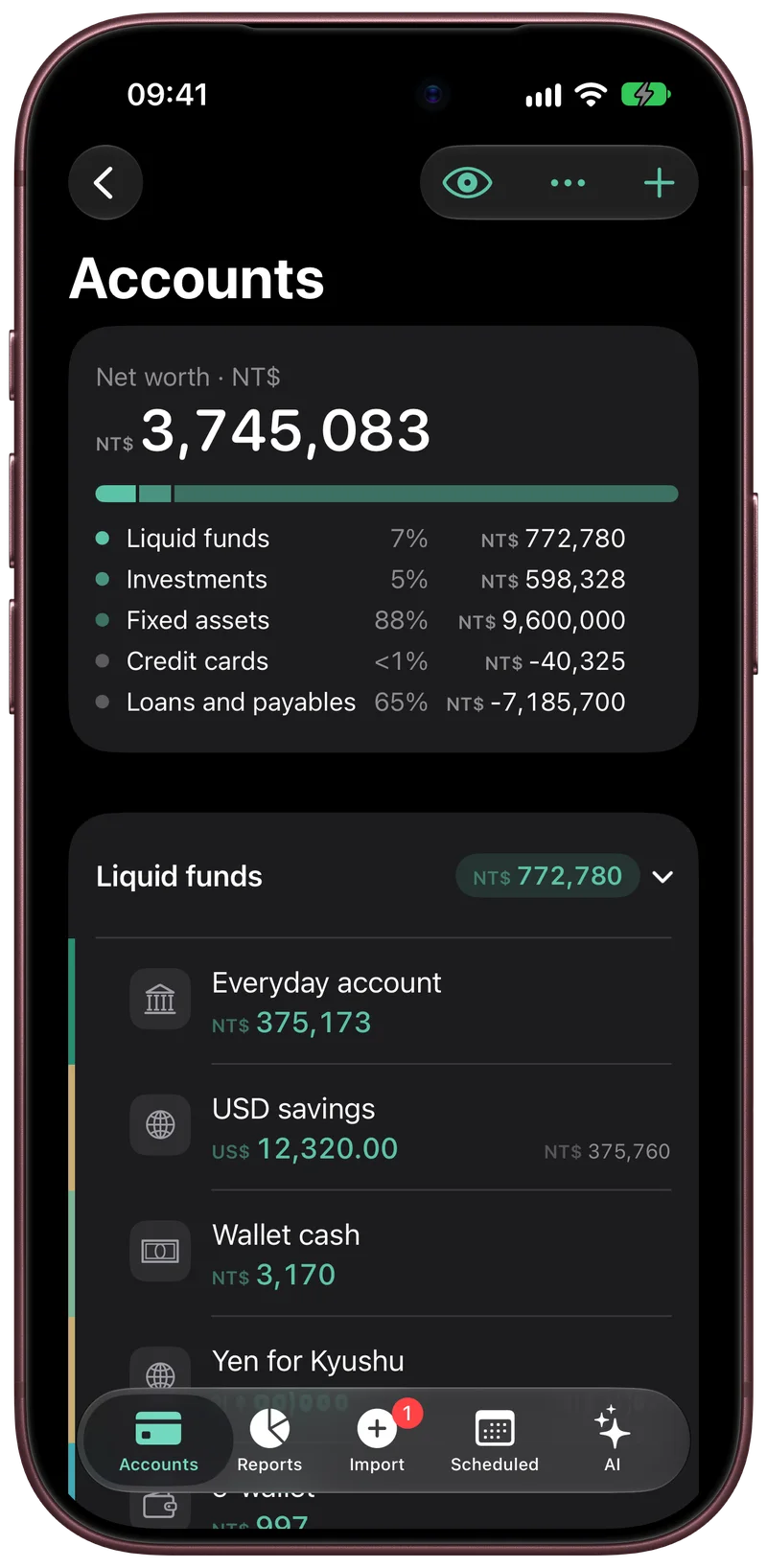
To move your data out of Monarch Money, download your transactions as a CSV file from Settings, under Data, on the desktop site. Share that file to Fullgrove on your iPhone, look over the preview of accounts and rows, and confirm. The ledger is then kept on your iPhone, and there is no bank login.
Export your transactions from Monarch
Sign in to Monarch on a computer. Open Settings, go to Data, and choose Download Transactions. One CSV file downloads with the transactions of every account.
For one account at a time, open the Accounts page, choose the account, select Edit at the top right, and choose Download transactions. Monarch recommends 5,000 transactions or fewer in one download and suggests splitting a long history by date range. The same Edit menu also downloads an account's balance history. Monarch's help page says these downloads stay available after a subscription or trial ends. Monarch's help page on downloading history has the current steps (checked 2026-10-02).
Bring the file into Fullgrove
Send the transactions CSV to your iPhone, for example through iCloud Drive or AirDrop. In the Files app, share it to Fullgrove, or pick Fullgrove in the share sheet wherever the file is. Fullgrove reads the Monarch export as it is.
A preview shows the accounts and the rows it found before anything is added to your ledger. You can map Monarch's categories and accounts to the ones you want in Fullgrove, and then confirm.
What comes across and what does not
- Comes across: each transaction's date, merchant, category, account, notes and tags, with its amount. Rows in a transfer or credit card payment category are treated as transfers.
- Stays behind: budgets, goals, recurring items and transaction rules, which are not part of the transactions file. Bank connections stay behind too, because Fullgrove has none.
The import works from the transactions file. Keep the balance history files as your own record of past balances.
Check the result
Keep Monarch open until you have checked three things. The number of rows in the preview should match the number of rows in the CSV. The oldest and the newest row should have the dates you expect. One or two months of spending in a category should add up to the same total in both apps. If you downloaded in several parts, check that the date ranges meet with no gap.
Leaving Fullgrove again
Your data can leave the same way it arrived. Fullgrove exports the rows as CSV and everything as JSON. The archive format is open.
Move from Monarch Money to Fullgrove
- On the Monarch desktop site, open Settings, go to Data, and choose Download Transactions.
- Send the CSV file to your iPhone.
- In the Files app, share the file to Fullgrove.
- Look over the preview of accounts and rows, and map categories and accounts.
- Confirm, then compare the row count and one month's totals with Monarch.